
Overview
With bloggers and journalists coming out with information on one side, and years and years of research, reports and presentations floating around, it gets impossible for anyone to strike a balance.These differences generate an intense demand for summarization tools that are able to distill the large amount of content to a small, informative format.
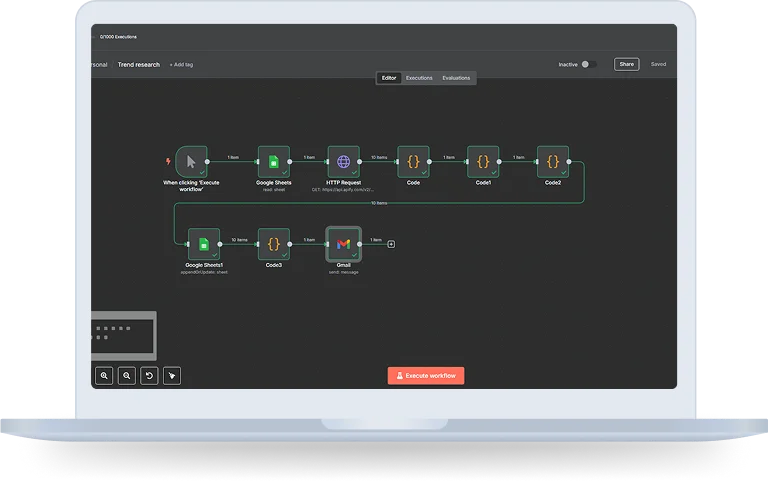
In this case study we will know how n8n, a powerful workflow automation tool with AI-based summarization models, the solution converts long text to concise and meaningful summaries.
Objective
The purpose of this case study was to minimize the consumption time and effort of reading long articles and to keep original key points. Specifically, the solution aimed to:
- Let users paste any article or document into a workflow.
- Get a quick read through text with the power of AI in just a few seconds.
- Make it convenient to download (export) and share the extracted abstracts.
- Show how n8n is an orchestrator of complex flows with low code.
How does it work?
Step 1: Place The Article In n8n Chat
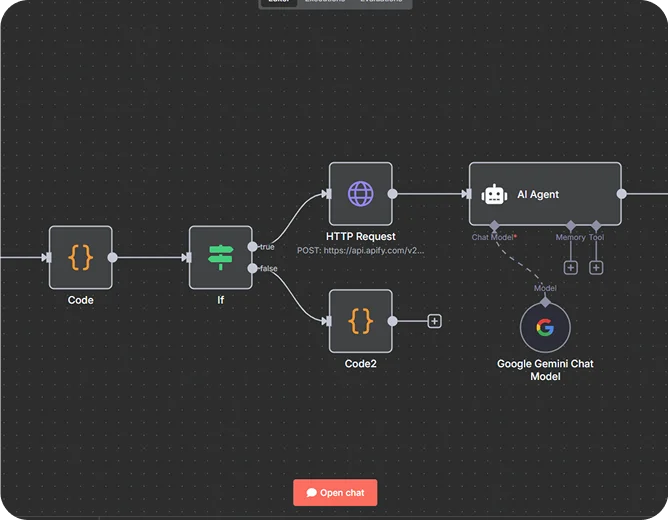
To automatically summarize the article in n8n chat, the first step is to drop the message in the n8n chat containing the link of that article. You can use “split the batch” node to divide the node in smaller chunks.
Step 2: Triggers Automatically
Connect an AI node(e.g., OpenAI, Claude or any AI model) after the “split in batches” node. After this the n8n chat automatically triggers the node that captures the message and extracts the URL to fetch all the information.
Step 3: Article Details Pulled via Apify
The workflow is initiated when a user posts a URL in n8n chat. That link is then provided to the Apify News Scraper, A dependable means of capturing the metadata and content of the articles.
Apify extracts:
- Full article body – so the whole context is present for summarization.
- Title & Author – essential for attribution and clarification.
- Release date – giving readers the proper nexus of time.
- Featured image – how to make a summary of an article more exciting and visually appealing.
Step 4: AI Summarizes the Article
When the article text and metadata are prepared, the content is sent to an AI model for summarization as part of the workflow.
The prompts are designed to:
- Handles words – summaries are short, simple and more digestable in a single read.
- Emphasize author & date – never lose the original context.
- Credit the reader the source § This one is for encouraging usage and fair use of your content.
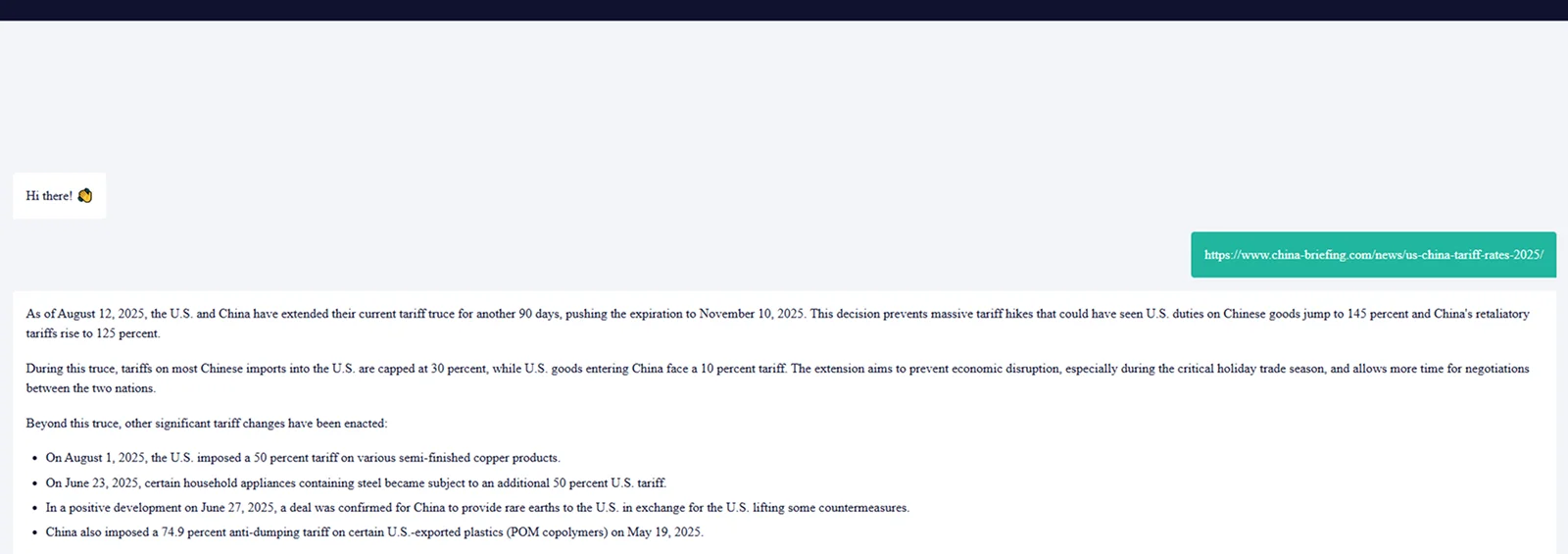
Step 5: Summary Delivered Instantly in Chat
Instead of creating summaries in a different app or dashboard, the workflow is sending summaries straight into the n8n chat interface.
Minimize The Consumption Time And Effort Of Reading Long Articles And To Keep Original Key Points
Technology Stack Included
Key Benefits
No Extra UI Required
Unlike third-party summarization tools, which require their own dashboards or browser add-ons, this automation operates entirely within n8n’s native chat interface. Nothing else to develop at the frontend or maintain at the UI.
Real-Time Summarization
All articles are summarised in seconds so you can get the information you need quickly and easily. This is great for high velocity teams that need to keep up to date with the industry landscape, research or competitive analysis.
High Context & Readability
The summaries provide the authors’ names, the dates of publication and sources, so they are valid and ready for citation. Readers are able to promptly determine if they want to further explore the complete article.
Its Extendable
It is not limited to the n8n chat, it is extendable to Notion, Slack, Google sheet and effortless keyword based alerting enhancement
Closure
Grasping the knowledge of an article has become effortless with the help of n8n as it makes summaries of the whole article in small chunks that makes it easier for the users to understand and also saves time. This whole article summarizing things is fully automated with n8n.